# View your company details and contacts
If you need to view your company details and contacts, you can do so in the Verofy® App.
1. Start by logging into the Verofy® App, then pressing the **...** button at the top right of the screen.

2. From here, select the **Details** option. You'll see the basic company details here, including your legal name, trading name, account creation date, MCC and business start date. If any of the information looks incorrect or is updated, **[get in touch](https://verofy.support/shelves/getting-in-touch)** to let us know.
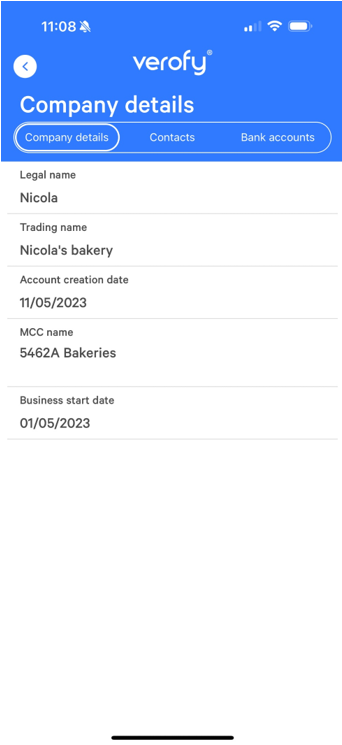
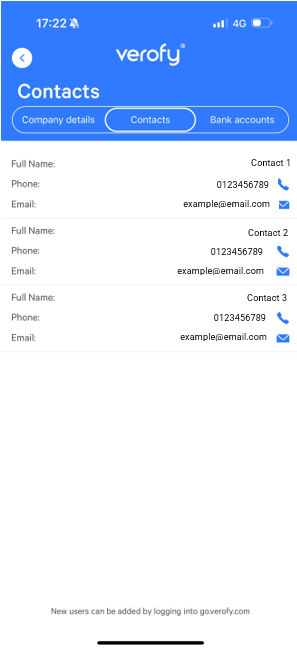
From here, you can also view the business contacts by clicking into the contacts tab. If you need to add a new user, you can do this in Verofy® Cloud. If you need help adding users in Cloud, click **[here](https://verofy.support/books/navigating-verofy-cloud/page/adding-and-removing-users-in-verofy-cloud)**.
For more information on the bank accounts tab, click **[here](https://verofy.support/books/navigating-verofy-app/page/view-or-update-your-bank-details)**.