# Changing the password on your Verofy® Move

This page explains how to change the password on your Verofy® Move for the supervisor user ID - reducing the risk of unwanted access.

<p class="callout warning">**You'll need to know your password in order to change it.** If you have forgotten your password, you'll need to contact us by calling 0330 460 4672 or via the message centre in Verofy® App or Verofy® Cloud to reset your login details. </p>

1. Once you're logged into your Verofy® Move with the supervisor login, select the **Admin** menu.   
      
    ![](https://verofy-2-knowledge-base-public.s3.amazonaws.com/uploads/images/gallery/2025-10/embedded-image-r4k2os7n.png)
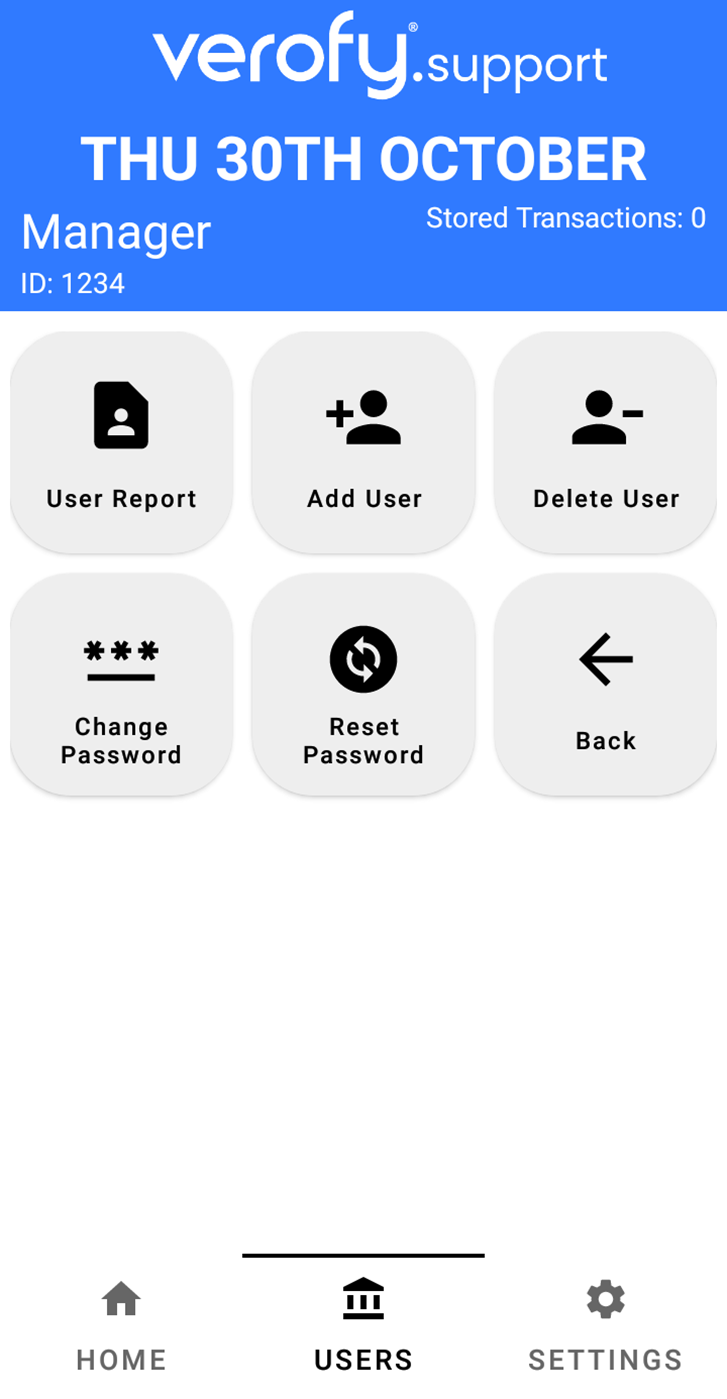
2. Select the **User Manager** option, then you'll be presented with the below screen.   
      
    ![](https://verofy-2-knowledge-base-public.s3.amazonaws.com/uploads/images/gallery/2025-10/embedded-image-hs3dr2gh.png)
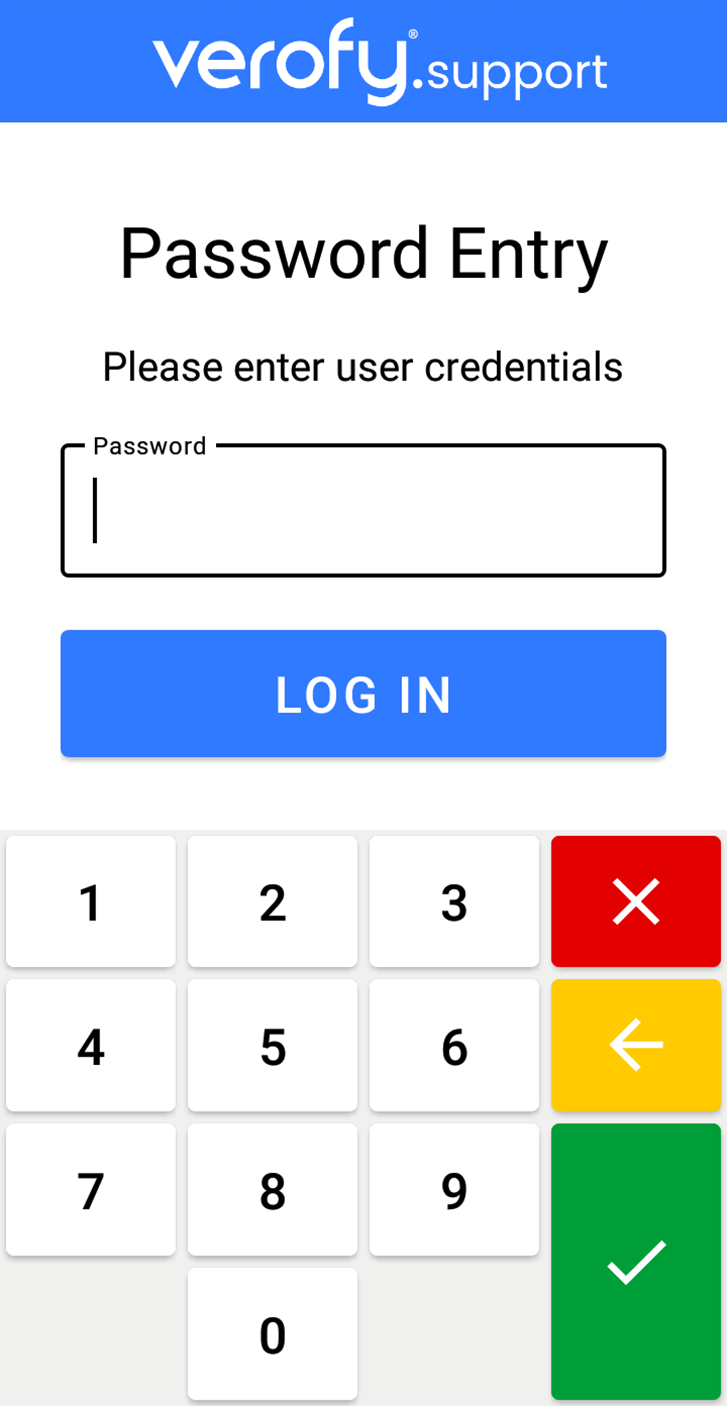
3. To change the password, press the **Change Password** option. You'll then need to enter the current password for the user. Once you've entered this, press **log in**.   
      
    ![](https://verofy-2-knowledge-base-public.s3.amazonaws.com/uploads/images/gallery/2025-10/embedded-image-13n6zctb.png)
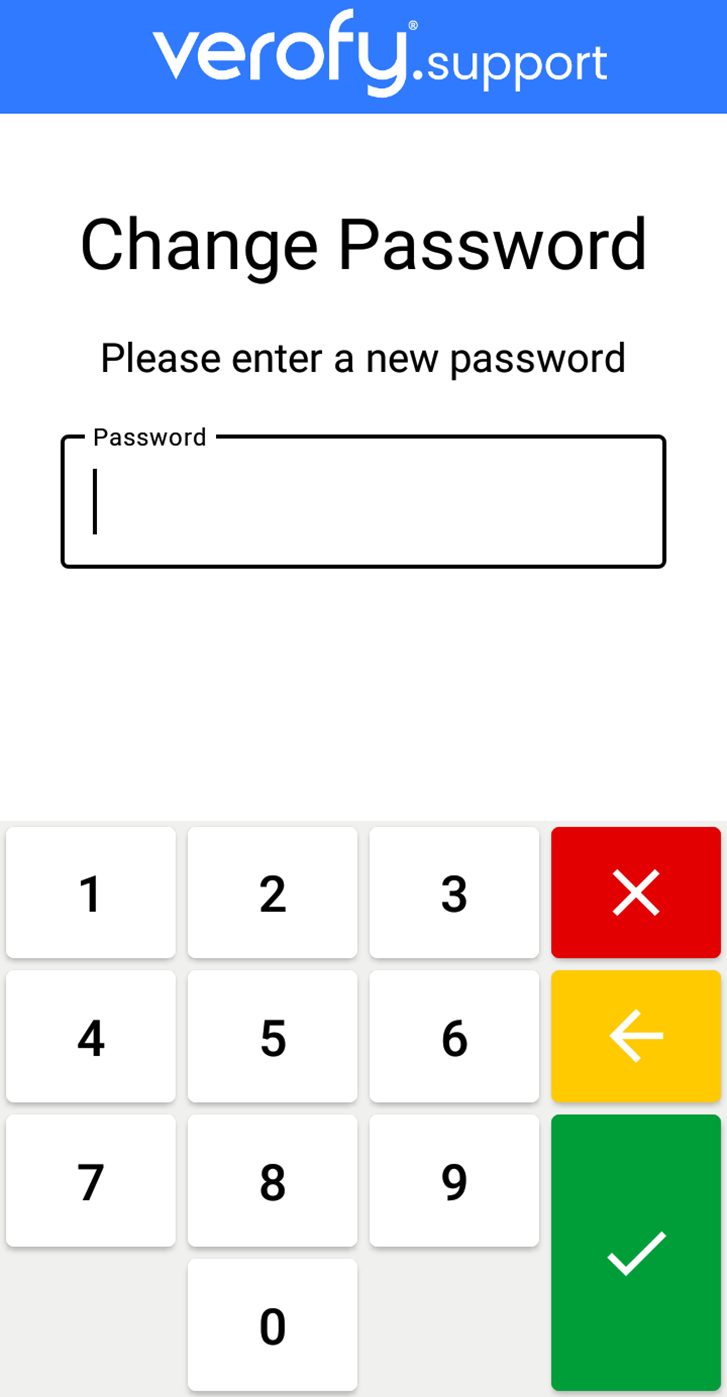
4. Next, you'll need to enter the new password you want to set. Once entered, press the green tick.  
       
    ![](https://verofy-2-knowledge-base-public.s3.amazonaws.com/uploads/images/gallery/2025-10/embedded-image-bd4vuvke.png)
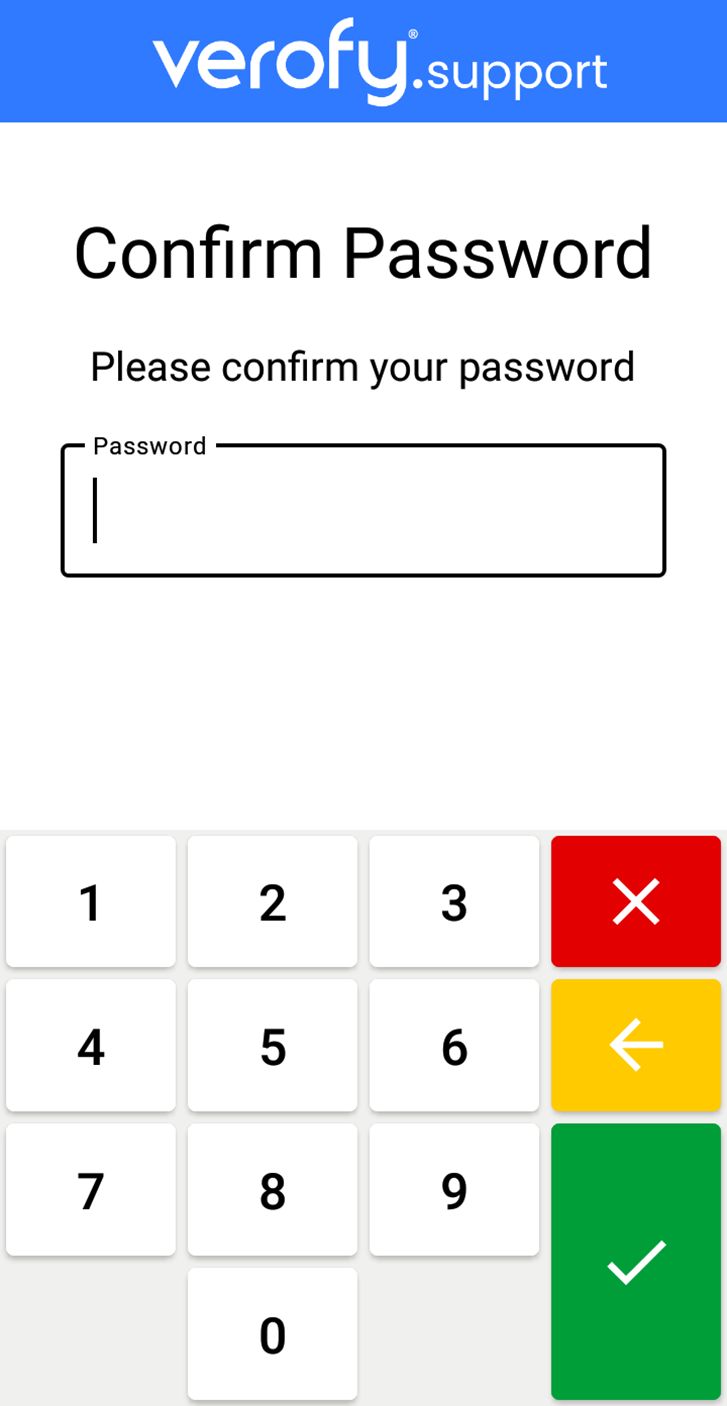
5. Your Verofy® Move will ask you to re-confirm the new password. Once you've done this, press the green tick. If the passwords do not match, the terminal will inform you of this.   
      
    ![](https://verofy-2-knowledge-base-public.s3.amazonaws.com/uploads/images/gallery/2025-10/embedded-image-smypwum1.png)
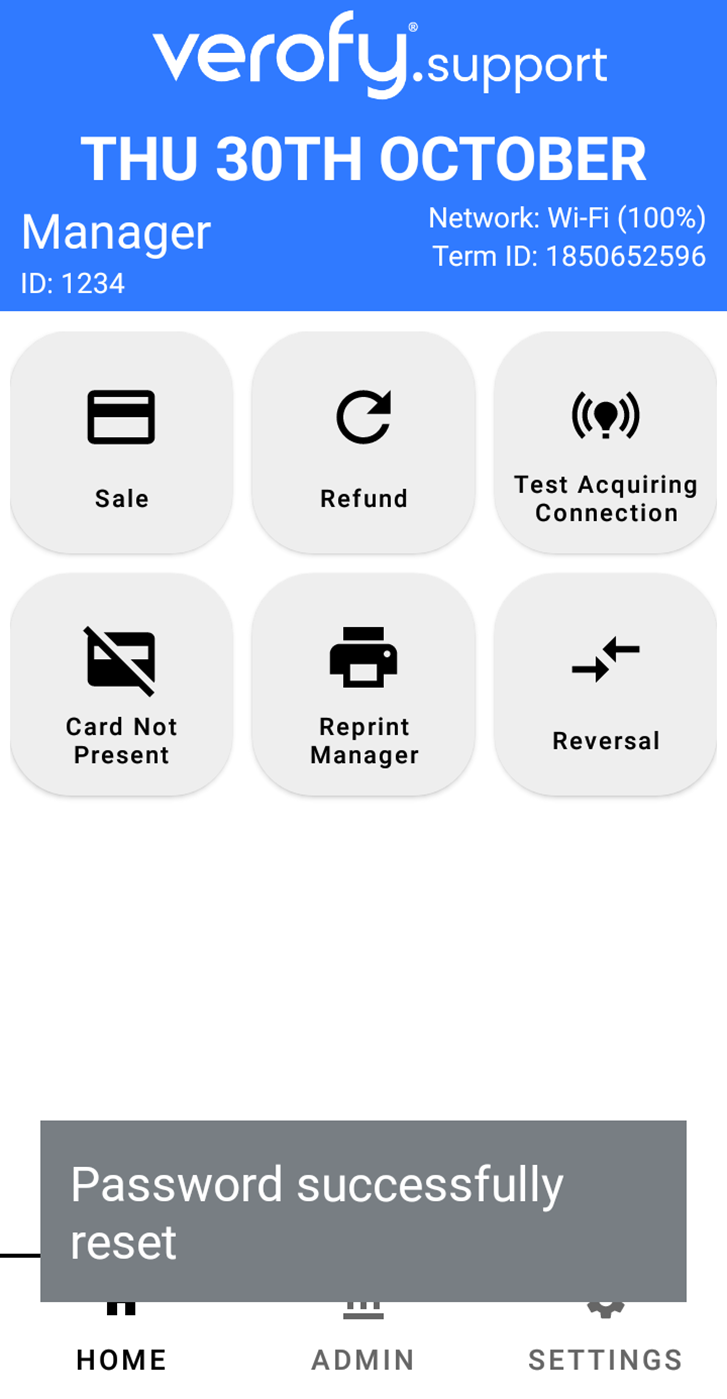
6. Once the password successfully changes, the Verofy® Move will return to the Home screen.  
       
    ![](https://verofy-2-knowledge-base-public.s3.amazonaws.com/uploads/images/gallery/2025-10/embedded-image-gcxcai7j.png)
    
    <span style="color: rgb(0, 0, 0);">That's it! You've successfully changed your password. </span>