
View your documents
If you need to view your documents, you can access them via the document vault in the Verofy® App.
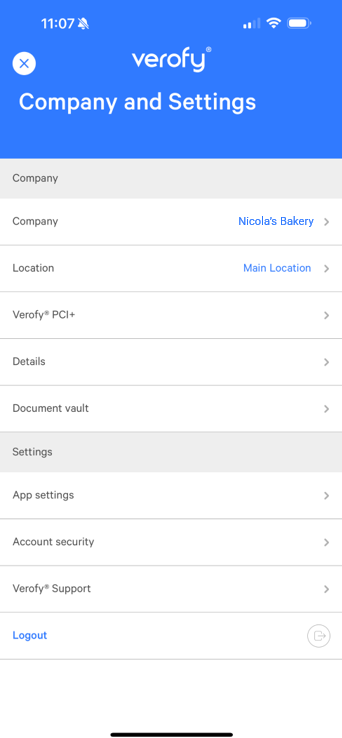
- Start by logging into the Verofy® App, then pressing the ... button at the top right of the screen.

- From here, select the Document vault option.
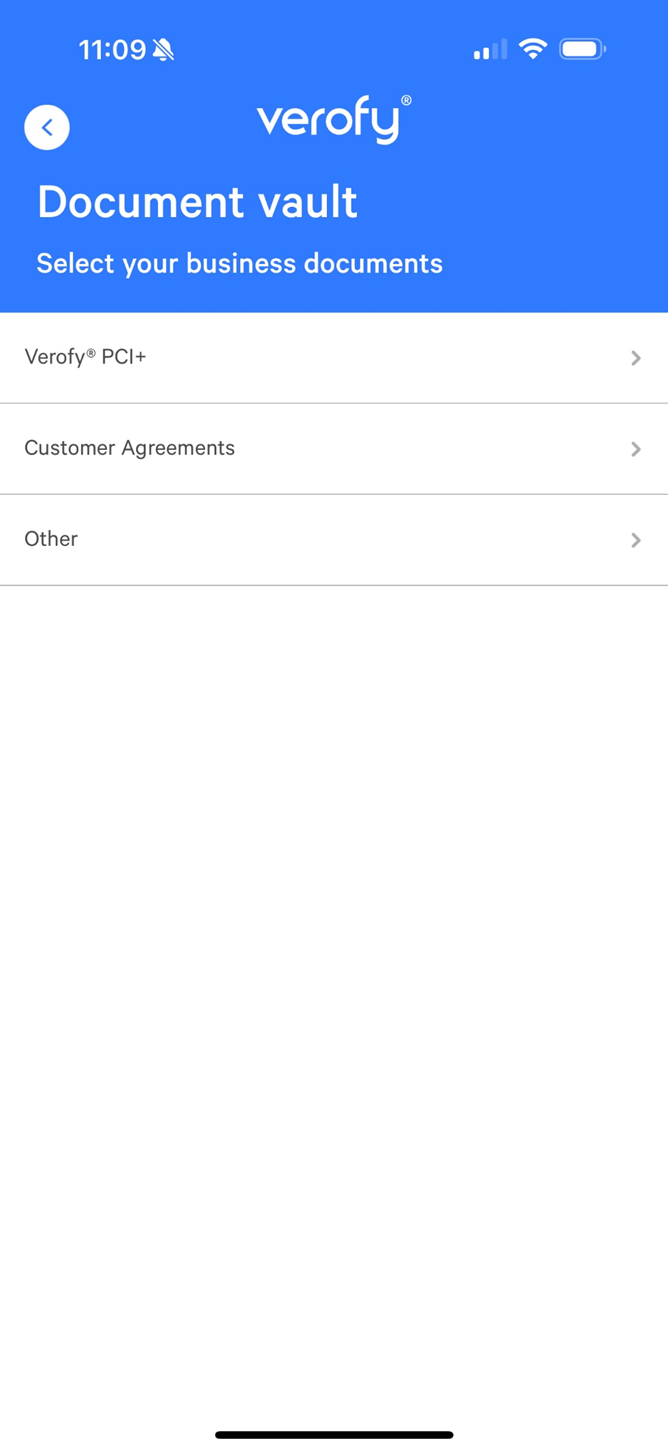
- Here you can access your completed PCI+ documents, your agreements and any other documents that have been stored to your customer record.
If you have a question about a document in the document vault, get in touch and we'll be happy to help.