Manage push notifications
Enabling push notifications for your Verofy® App is a great way to stay updated!
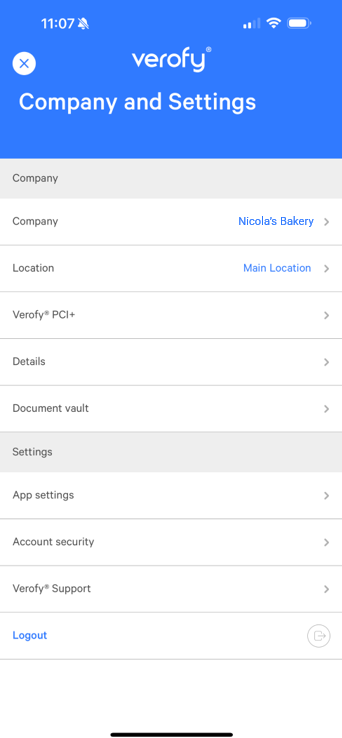
To enable push notifications, log into the Verofy® App, then press the ... button at the top right of the screen.

From here, select the App Settings option.
From here, you can enable or disable the push notifications for the App.

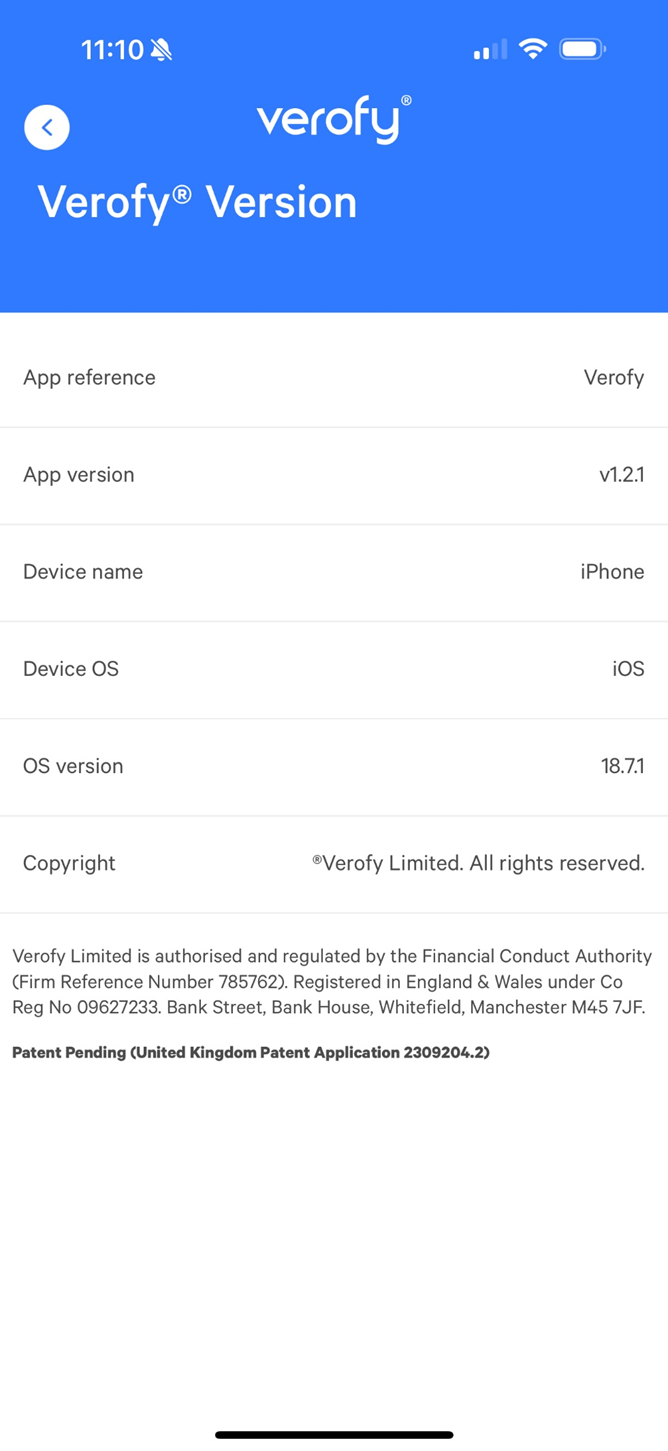
You can also see the details about the version of the App you have installed by clicking into the Verofy® Version option.