
Taking payments on your vTerminal in the Verofy® App
This page shows you how to take payments in the Verofy® App via your Verofy® vTerminal if you have this product.
Remember - Verofy® vTerminal payments are non-secure, so you'll be charged non-secure fees on these transactions.
- You'll need to begin by locating your Verofy® vTerminal in the Verofy® App. If you've not done this already, you can click here for help.
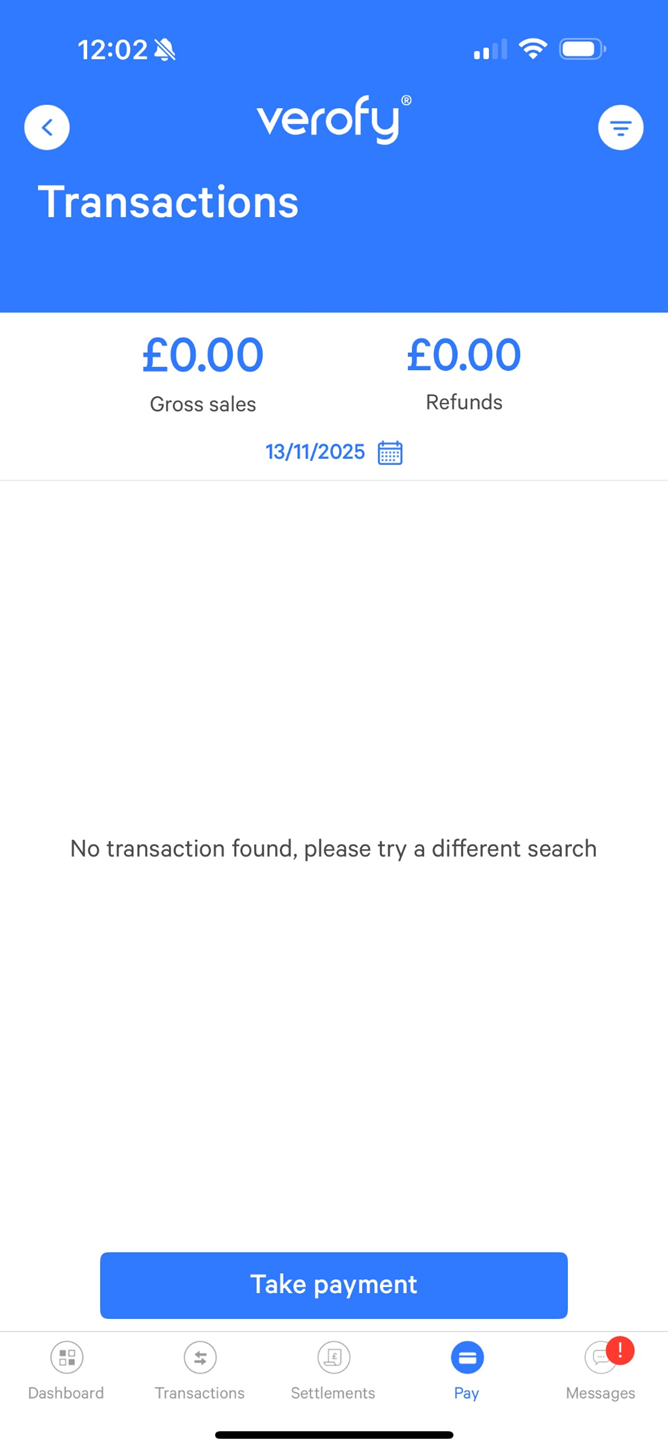
- Once you've pressed Get started, you'll see a list of all the transactions you've done on your Verofy® vTerminal. Press Take Payment to start a new transaction.
- Enter the amount of the transaction. Once you've done this, press the green tick to continue.

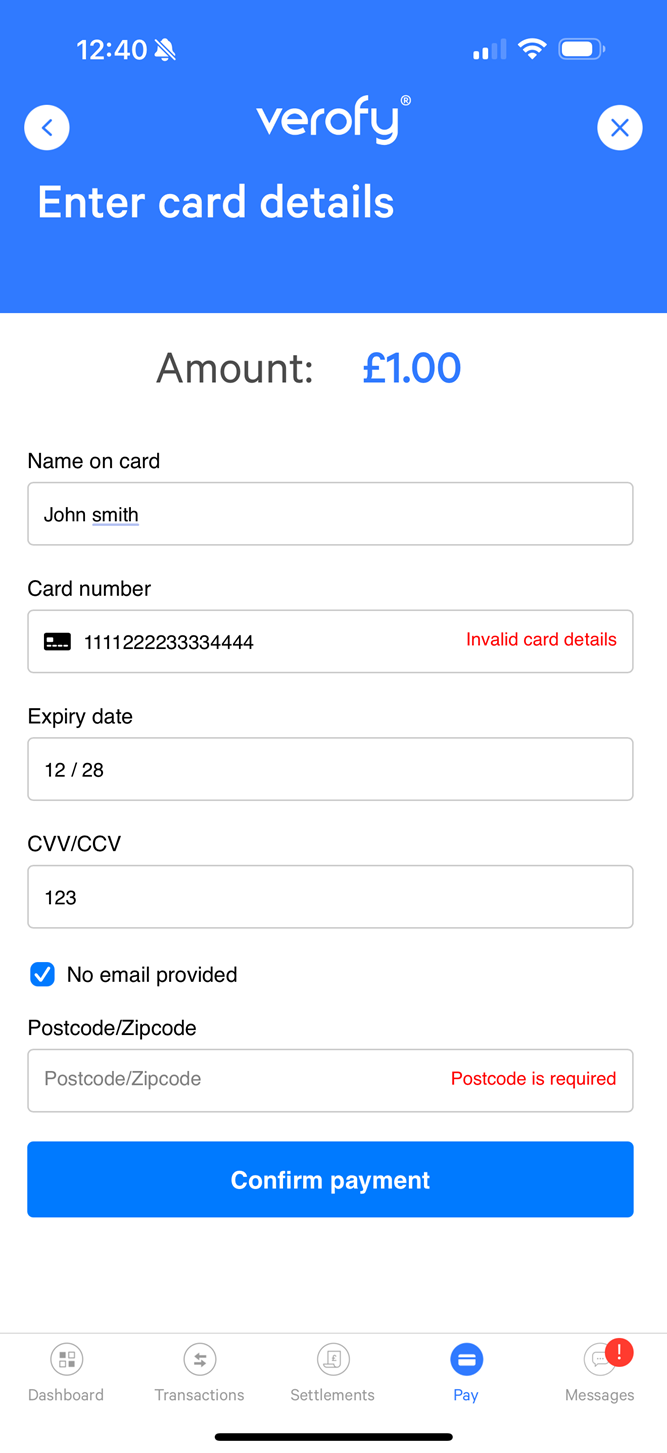
- Next, you'll have to enter the information from the card which the customer is using to pay. You'll need to enter the following information. Once done, press Confirm payment.
- Name on card
- Card Number (this is the long, 16 digit number on the front of the card)
- Expiry date
- CVC (3 digit security number on the back of the card)
- Email address (if applicable)
- Postcode

You'll see the below error message if there is an issue completing the transaction. Double check if the information entered is accurate, and amend if not.. Once you've done this, press the Confirm payment button to attempt the transaction again.
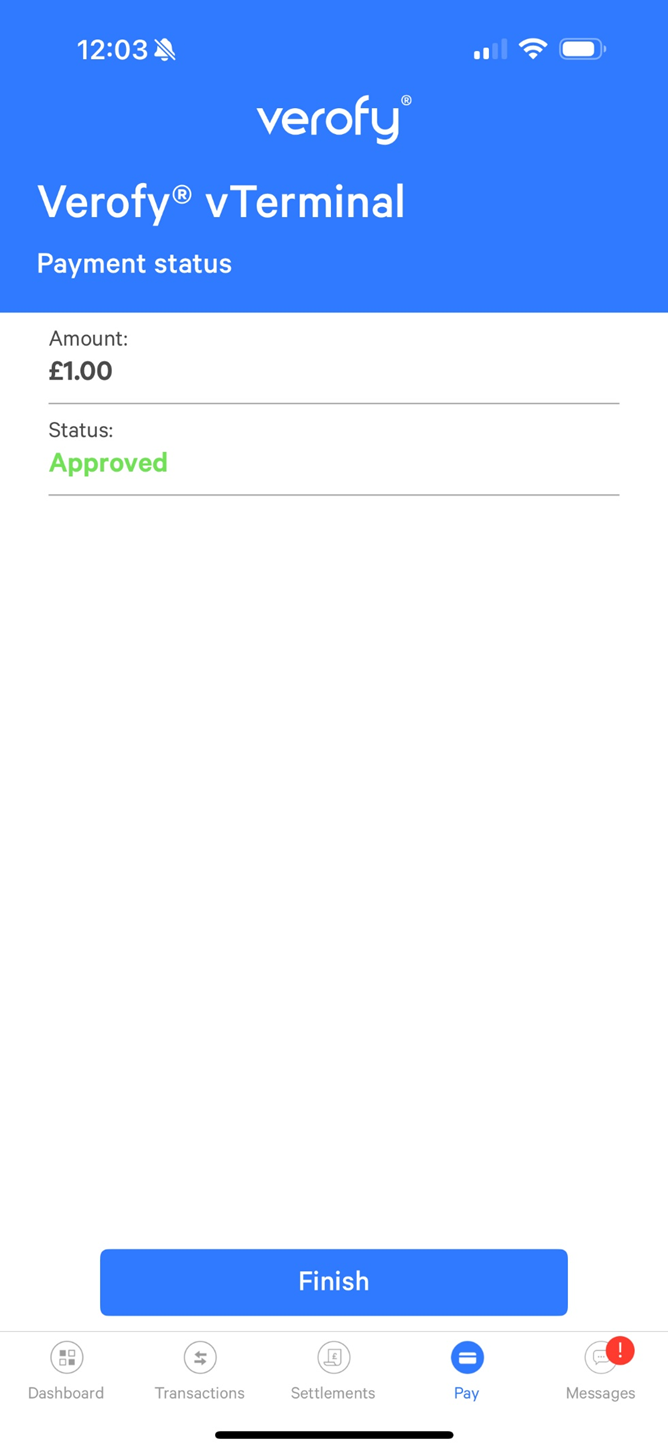
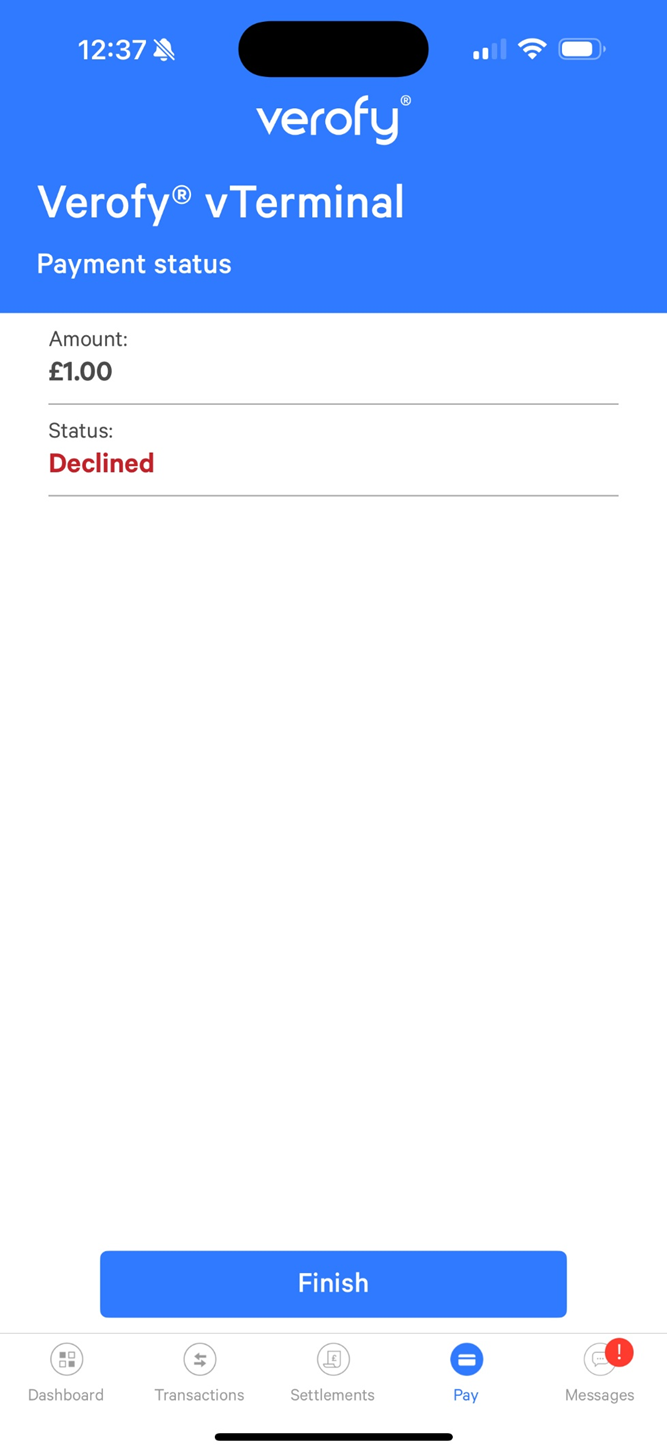
- The payment will then be processed. You'll see the payment status screen which confirms if the transaction status. It will show one of two results.
That's it! You've taken a payment in the Verofy® App via your Verofy® vTerminal.